This is Part 5 of the “Use Claude Smarter” series. Today we answer one big question: Claude free vs paid. Missed Part 4? Read how to use Claude Projects.
You see the “Upgrade” button every few days, and you wonder: do I really need to pay? It is a fair question. Many people pay for a plan they do not need, and some stay on the free plan when a paid one would save them hours. This guide on Claude free vs paid helps you decide in about five minutes, without any pressure.
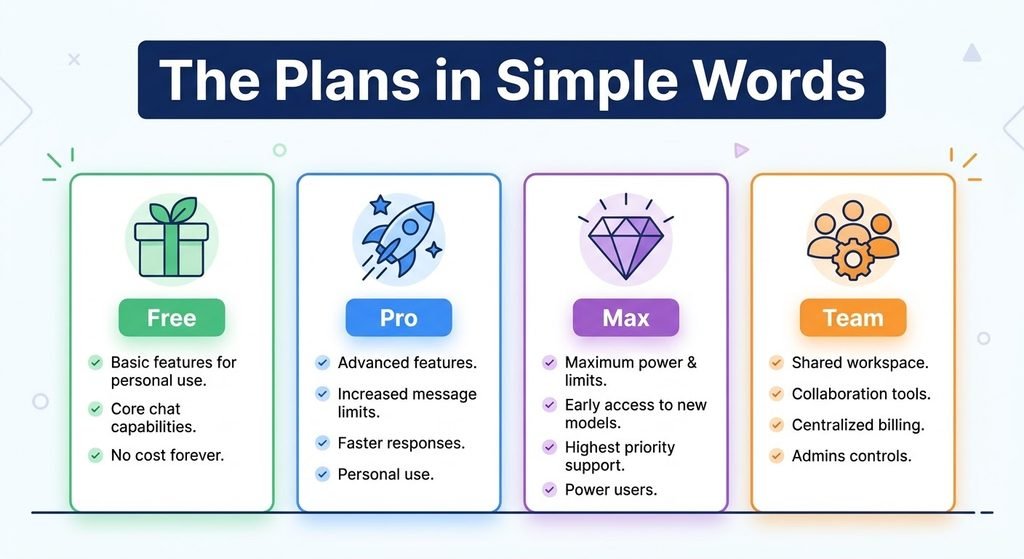
The Plans in Simple Words
Prices below come from the official pricing page at the time of writing. They can change, so always check the page before you pay.
| Plan | Price | Best for |
| Free | $0 | Trying Claude and everyday questions |
| Pro | $20 per month (less if you pay yearly) | Regular daily work |
| Max | From $100 per month | People who use Claude all day |
| Team | From $20 per seat per month | Small groups of 2 to 150 people |
What Does Free Already Give You?
More than most people think. The free plan includes chat on web and mobile, web search, creating files, memory, connectors, and up to five projects.
Free also has a limit. The session-based usage limit resets every five hours, and the number of messages you can send changes with demand.
What Does Paid Add?
Pro adds more usage and more features, such as Research, Claude Code, Claude in Chrome, and access to more models. Max adds even more usage, higher output limits, and priority access when many people are online.
Notice something important: paid plans mostly give you more room, not a different Claude.
Take the 5-Question Quiz
Answer yes or no:
- Do you use Claude for hours every day?
- Do you hit your limit more than once a day, even after using good habits?
- Do you need Research, Claude Code, or other paid features?
- Do you work with big files or long documents all the time?
- Does Claude save you real money or time at work?
Your result:
- 0 or 1 yes: Stay on Free. You do not need to pay
- 2 or 3 yes: Pro is likely a good fit.
- 4 or 5 yes: Pro is the place to start. Move to Max only if you still hit pro’s limit every day.
Try This Before You Pay
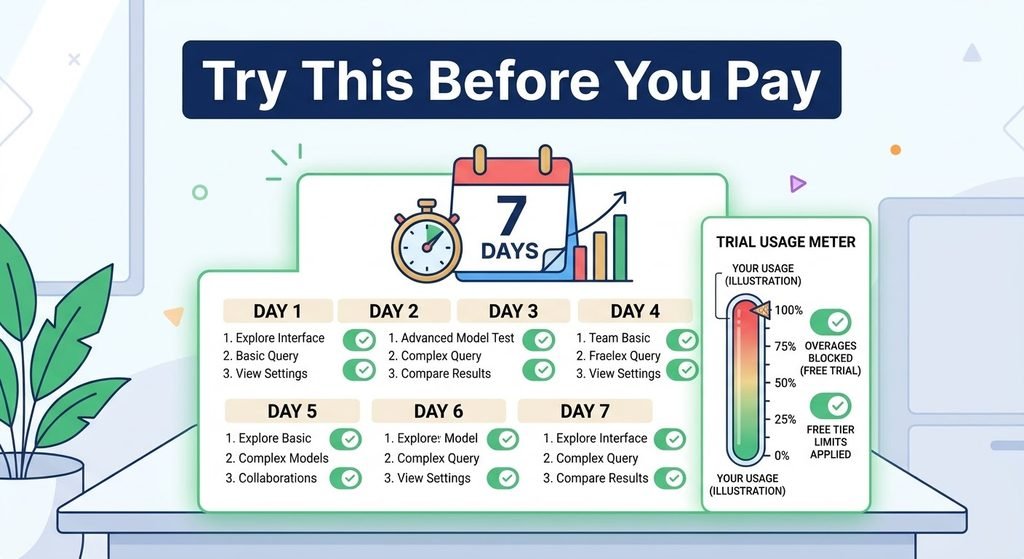
Most people hit their limit because of habits, not because the plan is too small. So try this for seven days:
- Use the 7 credit-saving fixes from part 1.
- Open Settings to Usage each evening and note how much you used.
- After a week, ask yourself: did I still run out?
If you still run out most days, upgrading makes sense. If not, you just saved yourself the monthly fee.
When Max Makes Sense
Only when you use Claude all day and pro keeps running out. If you are not sure, you do not need Max yet.
What If You Change Your Mind?
You can cancel any time, and your plan stays active until the end of the billing period. After that, your account moves back to Free. Your chats and projects stay with your account, though some features are limited on Free.
Quick Summary
- Free is enough for light and medium use.
- Pro is for daily work and extra features.
- Max is for all-day use only.
- Good habits can save you the cost of upgrading.
What’s Next
Now you know how to choose between Claude free vs paid. In the next article, we will show you 10 things Claude can do that most people never try.