This is part 2 of the “Use Claude Smarter” series. Missed part 1? Read how to save Claude to save Claude credits first.
You ask Claude for help, and answer is boring, too long, or just wrong. It feels like Claude did not understand you. But most of the time, the problem is the prompt, not Claude. If you want to know how to write prompts for Claude, these five simple rules will fix most bad answers.
What Is a Prompt?
A Prompt is just the message you send to Claude. It can be one line or ten lines. The better your message, the better the answer.
Anthropic’s own advice is to treat Claude like a new employee. A smart new employee knows a lot, but knows nothing about you or your work. So you must explain.

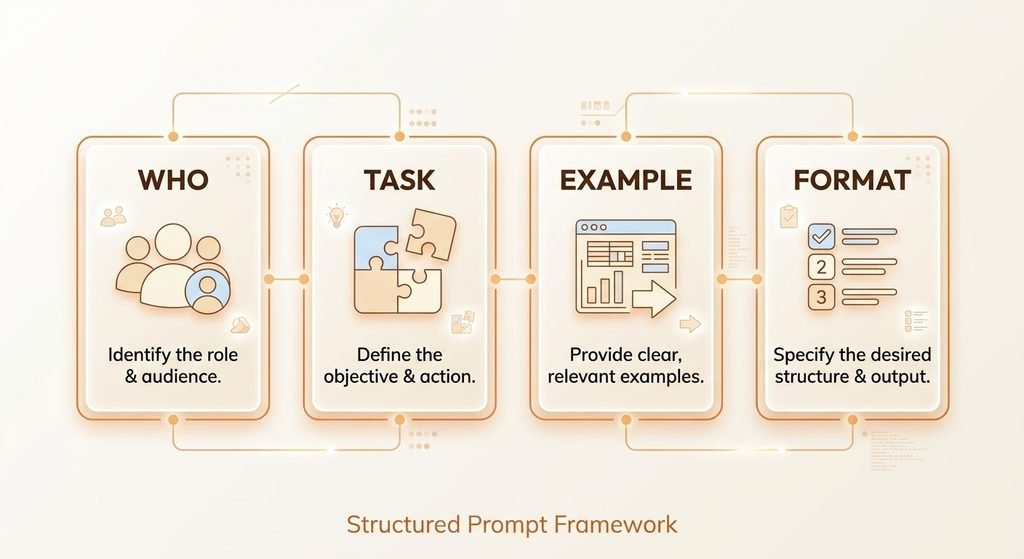
Rule 1: Tell Claude Who Are and Why You Need It
Context changes the answer. Say who you are, who will read the result, and what you want to achieve.
Weak: “Write an email.”
Better: “I run a small design studio. Write an email to a client who is late with payment,”
Rule 2: Say the Exact Task
Vague requests get vague answers. Name the exact job.
Weak: “Help me with my resume.”
Better: “Rewrite my resume summary in 3 lines for a marketing job.”
Rule 3: Show an Example
If you can, give Claude a sample of what you like. An example works better than a long explanation.
“Write 3 product titles in this style: ‘Calm Desk Planner – plan Your Day in 5 Minutes’.”
Rule 4: Set the Format and Length
Tell Claude how the answer should look. Otherwise, it will choose for you.
“Give me 5 bullet points, under 100 words, in simple English.”
This also helps your usage. Shorter answers use less of your limit, which we covered in our guide on how to save Claude credits.
Rule 5: Edit Your Message, Do Not Pile on Corrections
When the answer is not right, many people send three or four small corrections. Each new message makes the chat longer and heavier. Instead, do one of these:
- Edit your first message and add what was missing.
- Send one clear correction: “Keep the same text, but make the tone friendlier and cut it to 80 words.”
you get a better answer, and your chat stays short.
The Master Prompt (Copy and Paste)
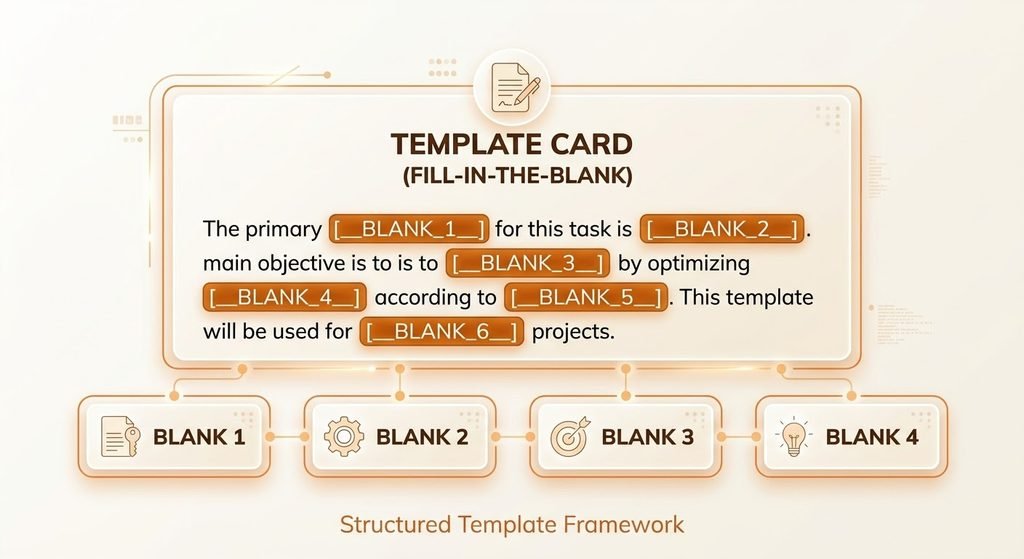
Use this template for almost any task:
“I am [who you are]. I need [exact task] for [who will read it]. Here is an example of the style I like: [example]. Give me the answer in [format], under [length]. Use simple English.”
A Real Example: Before and After
Say you want a better LinkedIn About section.
Weak Prompt:
“Write my LinkedIn About section.”
Strong Prompt:
“I am a graphic designer with 4 year of experience. I want more clients from LinkedIn. Write a 4-sentence About section in a friendly, confident tone. End with one line inviting people to message me.”
The second prompt gives Claude everything it needs, so the first answer it usually close to final. For a full walkthrough, see how we automate a LinkedIn About section with Claude.
Want to Go Deeper?
Anthropic share its own prompting guide for free. It is made for developers, but the basics, like being clear and giving examples, work for everyone.
What’s Next
Now you know how to write prompts for Claude with five simple rules. In the next article, we will look at the 10 most common prompts mistakes that waste your time and your credits.