This is Part 5 of the “Automate Your Life with Claude AI” series. Catch up on the earlier parts — LinkedIn, Email, ClickUp, and Indeed automation with Claude.
You open Notion to write one page. Forty minutes later, you’re still staring at a blank block, trying to figure out how to structure it. Sound familiar? If you’ve been searching for how to automate Notion with Claude AI, it’s probably because you already love Notion — you just wish it didn’t take so long to actually use it well.
Here’s the good news: Claude can write your pages, build your databases, and even work directly inside your workspace. This guide covers both ways to do it — one you can start in the next two minutes, and one that lets Claude actually build things for you.
How Notion Takes So Much Time (Even Though You Love It)
Notion gives you total freedom __ and that’s exactly the problem. Freedom means:
- Starting at a blank page, unsure how to start
- Spending an hour designing a database before you’ve even added real data
- Rewriting the same meeting notes into a “Proper” format every week
- Knowing exactly what you want your workspace to look like, but not having time to build it
None of this is about Notion being hard to use, It’s about starting from zero every single time. Claude removes that zero.

Method 1: The Easy Way (Copy-Paste)
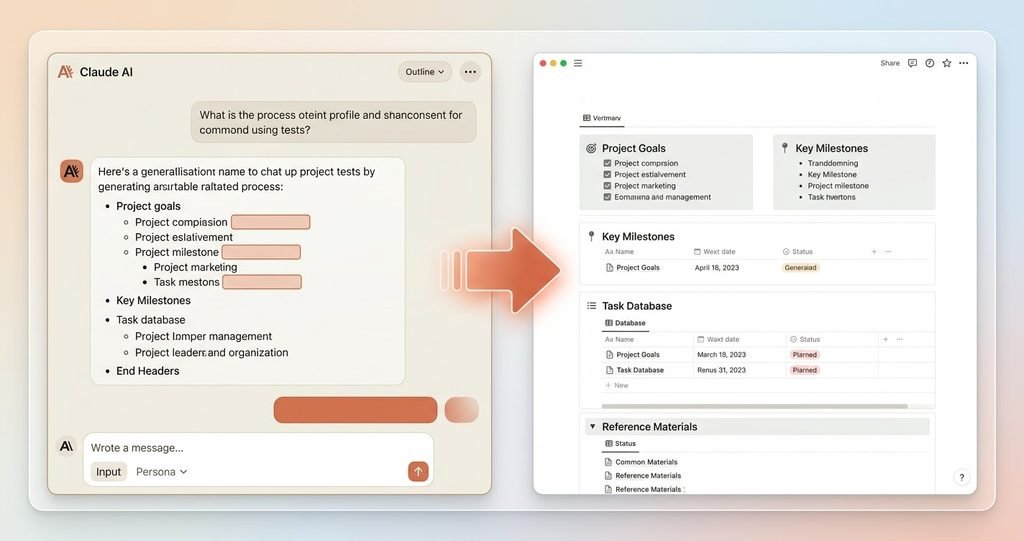
No setup needed here. You describe what you want, Claude writes it, and you paste it into Notion.
1. Turn a Blank Page Into Structured One
“I’m creating a Notion page for [topic __ e.g., ‘quarterly marketing plan’]. Write a clear outline with headings and bullet points I can paste directly in.”
Instead of starting at an empty page, you start with something real to edit.
2. Design a Database From Scratch
“I want to track [what you’re tracking __ e.g., ‘client projects’]. Suggest a database structure: what columns I need, and what type each one should be (text, date, status,etc).”
3. Turn Messy Notes Into a Clean Page
“Here are my raw meeting notes: [paste them]. Rewrite this into a clean, organized page with headings and action items.”
4. Write Page Content for You
“Write a ‘How This Project Works’ page for my team, explaining [describe it]. Keep it short and easy to skim.”
What you get: A head start on every page, so you’re editing instead of starting at a cursor.
How to Automate Notion with Claude AI (Advanced Method)
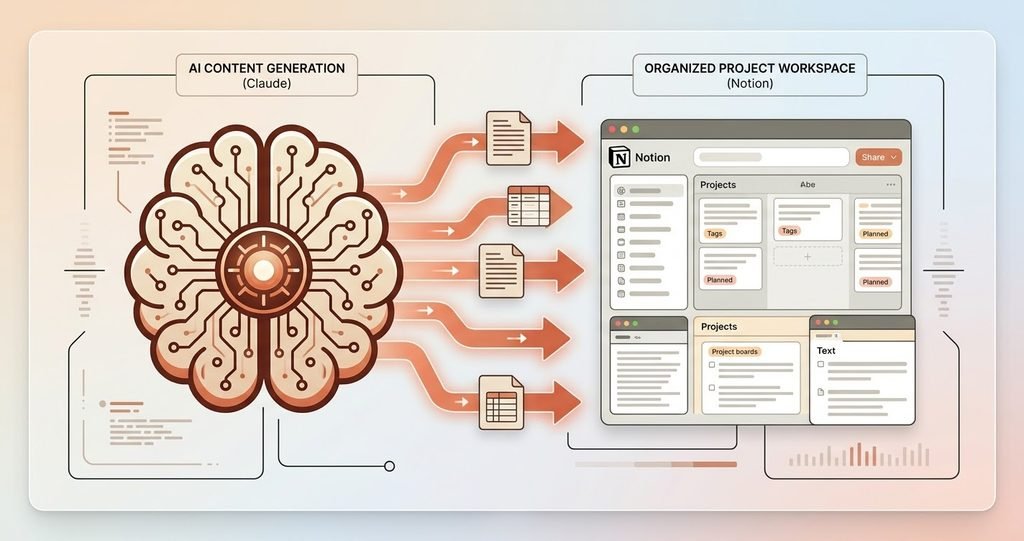
This is where Notion automation stops being theoretical. Claude can connect directly to your Notion workspace and actually build inside it — not just write text for you to paste.
What Claude can do once connected:
- Create pages and databases directly in your workspace, with real structure already set up
- Search your existing pages, so you don’t have to dig through nested folders
- Update pages and database entries — change properties, add content, mark things done
- Add comments to pages so you can leave notes without opening Notion yourself
- Understand your workspace layout, so new things it creates actually fit where they should
How it works, in simple steps:
- Connect your Notion workspace to Claude (a one-time step, similar to logging in)
- Tell Claude what you want — for example: “Create a database for tracking my content calendar, with columns for title, status, and publish date.”
- Claude builds it directly inside your workspace — no copying, no pasting, no formatting by hand
- You can also ask things like “Find my notes from last week’s planning meeting” and Claude will search and bring them to you
This is genuinely useful for:
- People who use Notion as their main workspace and touch it daily
- Teams who want a consistent page structure without everyone building it differently
- Anyone who has a great system in their head but never has time to actually set it up
Worth knowing:
- The first time you connect, double-check what Claude creates before relying on it fully
- It works best once you’re already comfortable with how your workspace is organized
Which Method Should You Choose?
| Easy Way | Advanced Way | |
| Setup time | 0 minutes | 2-3 minutes (one time) |
| What it does | Writes content for you to paste | Builds and updates pages directly |
| Cost | Free | Free (uses your existing Notion account) |
| Best for | Quick, one-off pages | People living inside Notion every day |
Whats Next
That’s how to automate Notion with Claude AI __ from turning blank pages into finished ones, to letting Claude build your workspace structure for you. In the next article, we’ll show you another everyday tool you can simplify with Claude.